fbpx

Hevy – #1 Workout Tracker & Planner Gym Log App

FEATURE

Home Screen Widgets

Explore Hevy’s home screen widgets. Learn about the different available widgets, how to use them, and what valuable information and functions they offer.

⭐️⭐️⭐️⭐️⭐️  Rated 4.9 by thousands of lifters

displaying the current month and training stats from Hevy on the home screen

Hevy’s Home Screen Widgets

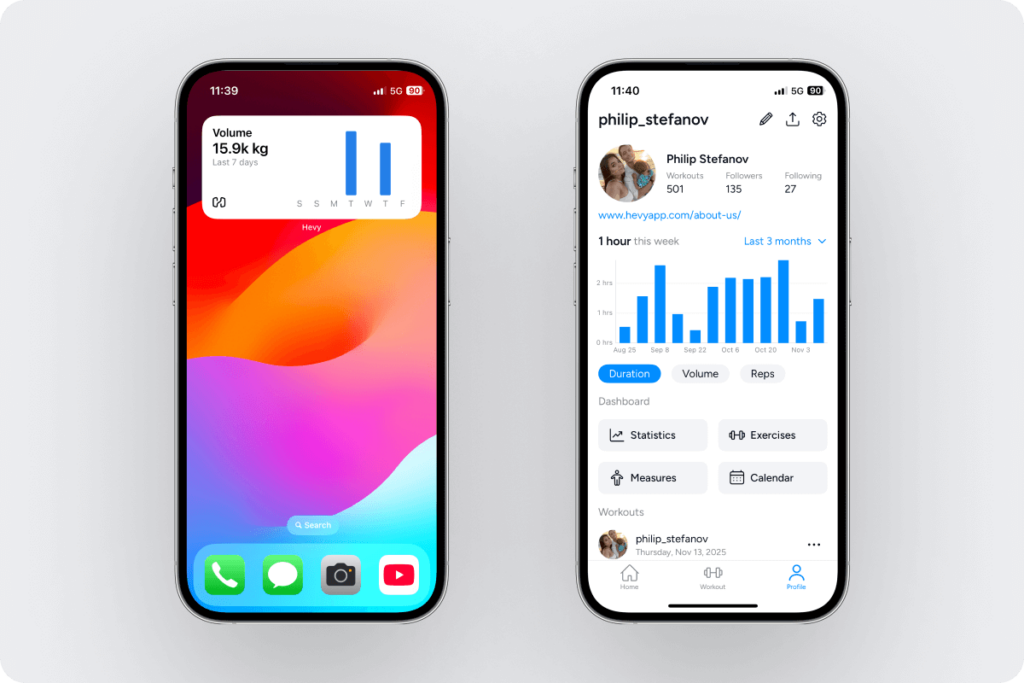
Hevy offers a variety of homescreen widgets for iOS and Android. They make logging workouts and tracking progress more convenient, keeping you informed and motivated.

Among the available options, you have widgets for workout data from the last seven days:

Calendar:

Calendar and workout data (with the last seven days’ data):

Day of the week routine, a quick access to the log workout option, and saved routines:

Your weekly active streak and the number of rest days you’ve had:

Edit and Interact With the Widgets

The homescreen widgets are informative and interactive. Each is designed to do a particular thing. For example, the weekly volume and activity widget takes you to the profile tab:
The calendar and workout data widget takes you to your gym calendar:

Tapping on a routine in a widget automatically starts it as a live workout:

Some of the widgets are also customizable. For example, the routines widget allows you to select which routines to display:

The aggregate data widget allows you to choose the data and date range:

And the routine of the day widget allows you to schedule workouts for specific days of the week:

How to Add Hevy Homescreen Widgets

Tap and hold the home screen to open editing options. Select ‘Edit’ on the top left, and ‘Add Widget.’

In the search bar, type ‘Hevy’ to see only those widgets and add the ones you want.

To edit a widget, tap and hold on the homescreen and then tap the widget you want to edit. This will open the editing options (if any are available for the particular widget).

WORK OUT. TRACK PROGRESS. SOCIALIZE.

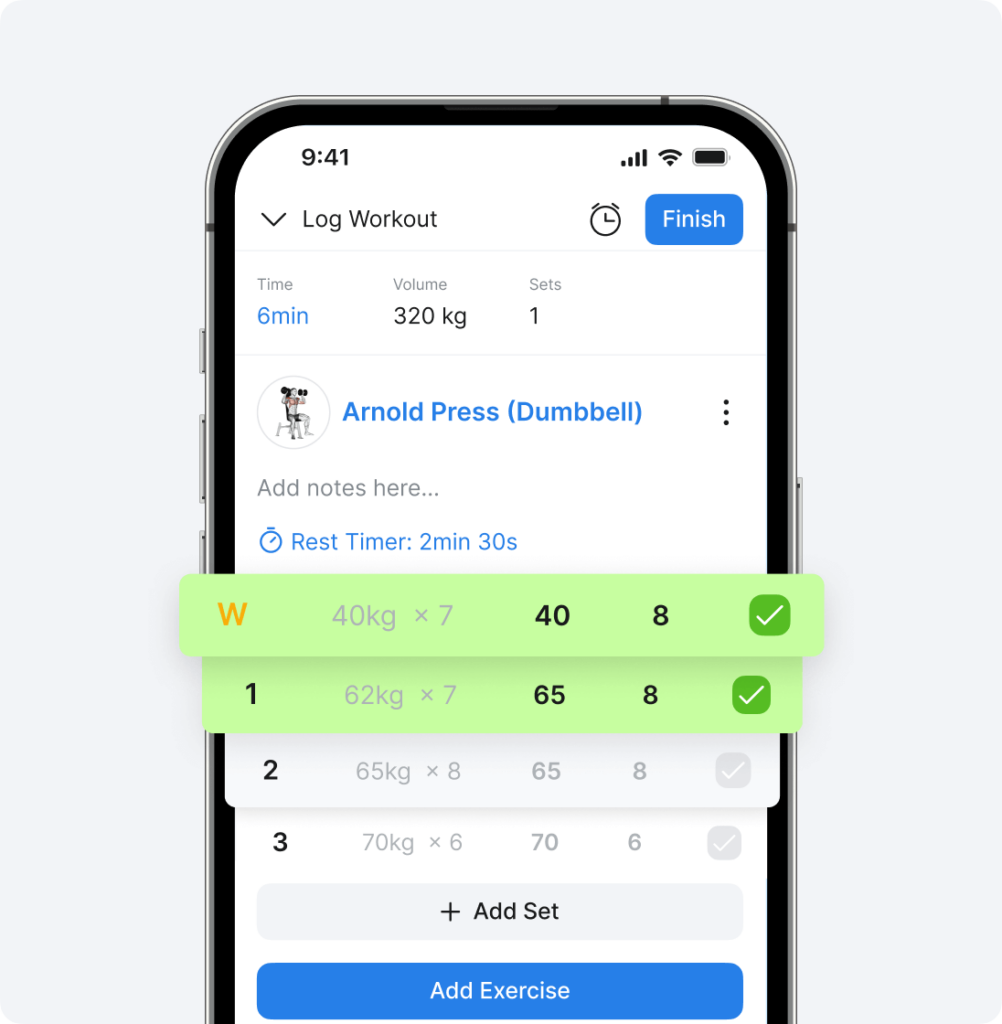
Whether you’re a regular person, competitive bodybuilder, or athlete, Hevy allows you to log sessions, track progress, and socialize.

Log Workouts

Marking workout sets as complete in Hevy app

Analyze Your Results

A look at the Hevy app's progress-tracking options

Engage With Others

An overview of Hevy's social aspect

El-jefe-kyle

5/5

Best workout tracking app

This is by far my favorite workout tracking app. You can tell that the creators work out themselves because they know how important it is to be able to label drop sets, failure sets, supersets, etc. It allows me to track everything I need. When if it’s been a while since I did an exercise I can easily take a look at my history.

Outthere18

5/5

Kept Me Accountable

I have been using this app since January. I love it. It’s the thing that had kept me in the gym this year because it helps me see results. I love how it syncs with my watch and I can input the weight and reps on my watch or phone. I appreciate that it supplies workouts for different splits so I don’t need to pay for a trainer. I love how it holds the last rep and weight from the previous time I did the exercise.

mc_______

5/5
Really helpful illustrations

My focus now is on building functional strength to avoid injuries as I age. Coming back to lifting as an adult with moderate gym anxiety, the Hevy app has helped me track progress on my weights and allowed me to make intelligent choices about increasing the amount I’m lifting. I really appreciate the illustrations and animations that help me learn new movements.

On iOS, tap and hold the home screen to open the editing menu, tap the + icon on the top left, and select ‘Add Widget.’ Type ‘Hevy’ in the search field and browse the available widgets.
The widgets are dynamic and update automatically when you complete workouts.
Yes, multiple calendar widgets summarize your training.
It allows you to schedule workouts for specific days and access them from your home screen. Tapping on today’s routine widget automatically starts a live workout.
Some of the Hevy widgets allow you to customize the data shown (for example, volume load, number of sets, or workout duration) and the date range (for instance, see data from the last week or the last three months).