fbpx

Hevy – #1 Workout Tracker & Planner Gym Log App

FEATURE

Social Media Shareables

Proud of a workout, a new PR, or an exercise you did? Or maybe you had a whole month of consistent training? Share any gym success with friends using Hevy’s beautiful and customizable social media shareables.

⭐️⭐️⭐️⭐️⭐️  Rated 4.9 by thousands of lifters

image displaying how users can select a background style for their social media shareables

What Are the Hevy Shareables?

Hevy shareables are informative pieces of visual content related to your workouts: personal records, training volume, a muscle distribution chart, cool comparisons (You lifted a total of 13 264 kg. That’s like lifting a truck!), and more.

How to Share Them on Social Media

You can share any of these on social media––for example, on Instagram stories. Navigate to the screen you want to share, tap Stories, and share. Don’t forget to tag @hevyapp.

Tap More if you want to share the image elsewhere.

You can also share a workout clip or selfie along with your workout data. To do that, tap the Background icon on the bottom left to select the type of background you want for the image (light, dark, or transparent), tap More, and choose Save Image

Then, go to social media (e.g., Instagram), add a new photo or video to a story or a post, and select an additional asset to add (Overlay). 

Choose the asset with the specific background (light, dark, or transparent) you’ve saved on your phone, position it on the image or video, adjust the size, and you’re done.

Hevy also allows you to share visual assets from previous workouts you’ve done. Simply navigate to the Profile tab, tap the three dots next to a workout, and select Share Workout (or tap the upward arrow icon).

Select an asset and share it to social media or save it as an image with your preferred background to use as an overlay for a gym selfie, lifting footage, or something else. 

Share Your Monthly Progress

Hevy’s monthly report is a summary of the previous month of training. You can read more about it here. To access yours, go to Profile > Statistics > Monthly Report.

You can access the report for the previous month and share anything you’re proud of. For example, you can share:

  • General statistics (number of workouts for the month, total duration, training volume, and sets)
  • Personal records throughout the month
  • Your monthly calendar and workout consistency
  • Muscle distribution chart and summary
  • The exercises you did the most

Share any of these directly to Instagram stories, or select a background, save them as images to your gallery, and use them as overlays to various gym-related posts or stories.
WORK OUT. TRACK PROGRESS. SOCIALIZE.

Whether you’re a regular person, competitive bodybuilder, or athlete, Hevy allows you to log sessions, track progress, and socialize.

Log Workouts

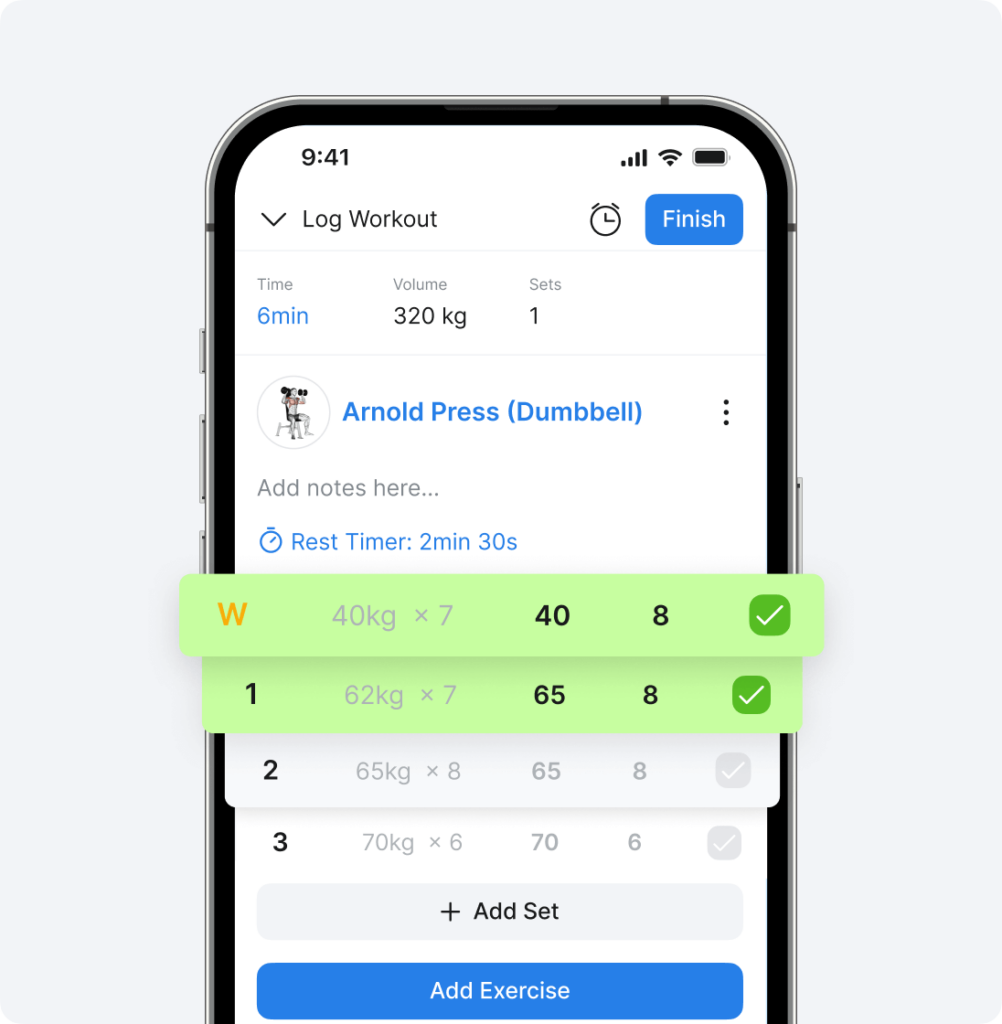
Marking workout sets as complete in Hevy app

Analyze Your Results

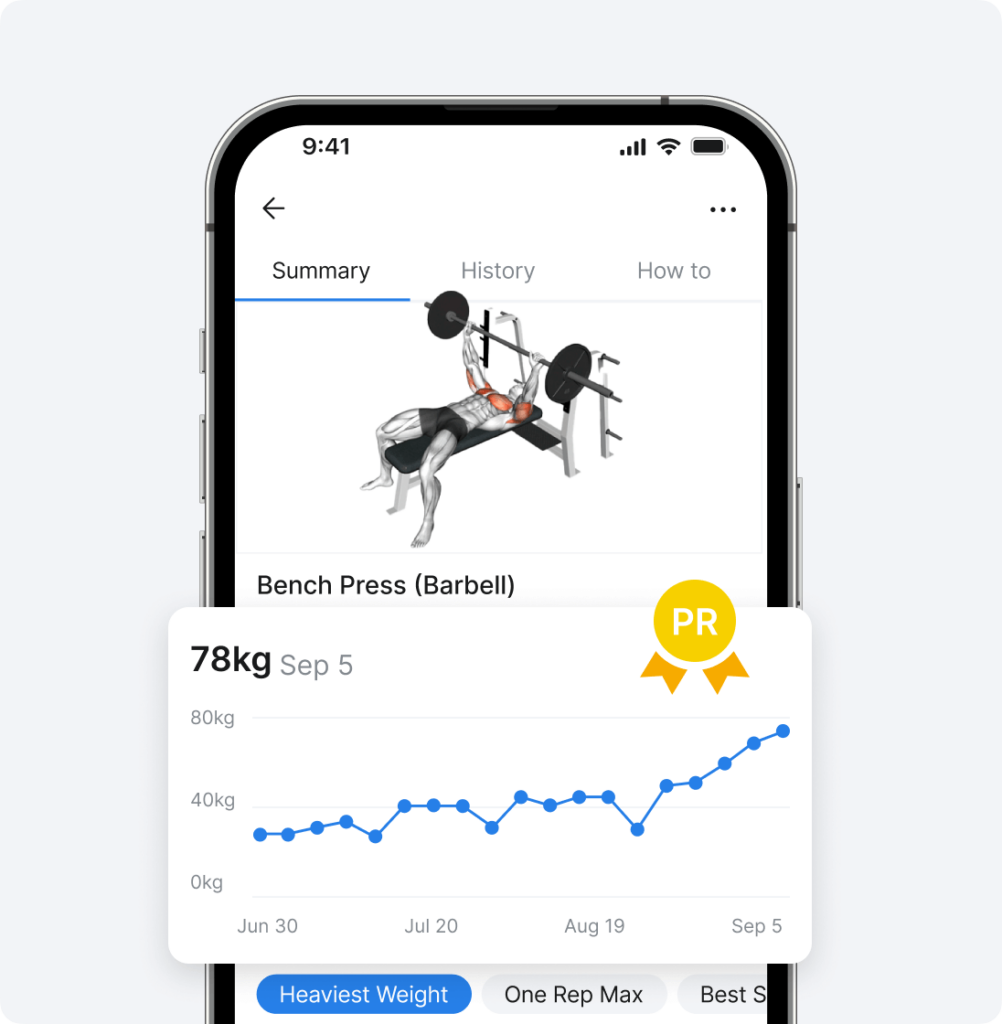
A look at the Hevy app's progress-tracking options

Engage With Others

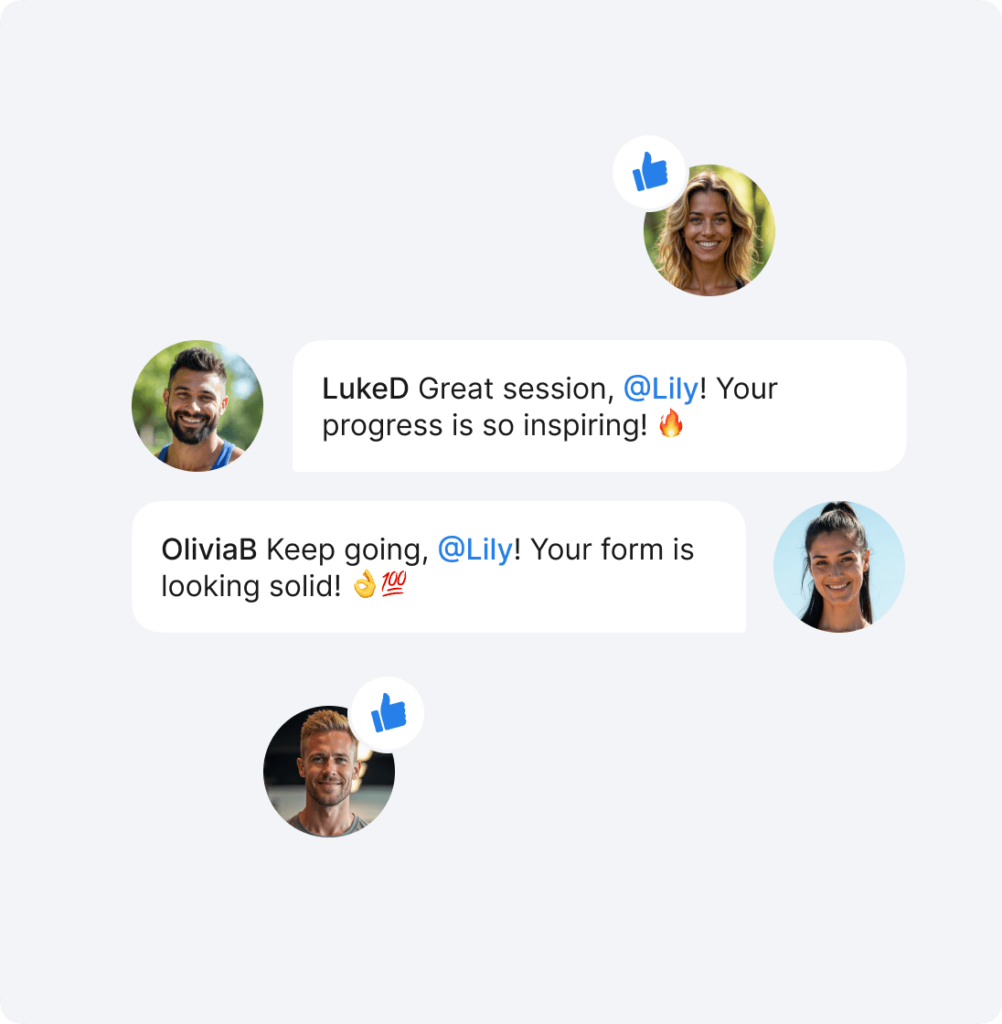
An overview of Hevy's social aspect

El-jefe-kyle

5/5

Best workout tracking app

This is by far my favorite workout tracking app. You can tell that the creators work out themselves because they know how important it is to be able to label drop sets, failure sets, supersets, etc. It allows me to track everything I need. When if it’s been a while since I did an exercise I can easily take a look at my history.

Outthere18

5/5

Kept Me Accountable

I have been using this app since January. I love it. It’s the thing that had kept me in the gym this year because it helps me see results. I love how it syncs with my watch and I can input the weight and reps on my watch or phone. I appreciate that it supplies workouts for different splits so I don’t need to pay for a trainer. I love how it holds the last rep and weight from the previous time I did the exercise.

mc_______

5/5
Really helpful illustrations

My focus now is on building functional strength to avoid injuries as I age. Coming back to lifting as an adult with moderate gym anxiety, the Hevy app has helped me track progress on my weights and allowed me to make intelligent choices about increasing the amount I’m lifting. I really appreciate the illustrations and animations that help me learn new movements.

These are automatically generated images or graphs related to your workouts. They show progress, personal records, workout consistency, your active streak, and many other interesting details.
Select to share an existing workout or look through the shareable assets on the screens displayed once you mark a session as completed. Tap Background on the bottom left and select Transparent. Tap More and Save Image. You can then use it as an overlay to other media when creating social media posts or stories.
Navigate to Profile > Statistics > Monthly Report. Tap the blue Share button and swipe through the slides to see which ones you want to share. You can share the number of workouts done (along with details like duration, volume, and number of sets), personal records for the month, your calendar and workout consistency, and more.
Yes, you can select the background style for each shareable asset (light, dark, or transparent). Additionally, when using a shareable as an overlay to a story or post (say, a gym selfie or footage), you can adjust the size, position, and tilt angle.
Yes, as soon as you log a workout and mark it as complete, Hevy generates multiple shareables. You can decide which ones you want to use. You also get a summary of the previous month’s training at the start of each month, with a more detailed breakdown of your training and multiple options to share long-term progress and consistency.