
*HevyGPT does not work on the Android ChatGPT app. If you are on Android, use the web version of ChatGPT to import workout plans into your Hevy profile. We’ve outlined the process step by step below.
What is HevyGPT?
HevyGPT is a custom GPT connected to Hevy. It lets you generate tailored workout programs from ChatGPT prompts and import them into your Hevy profile in seconds.
How to Use HevyGPT on iOS (Step-by-Step)
1. Have Hevy and the ChatGPT Apps Installed
Log in to your Hevy app and ChatGPT accounts. You don’t need Hevy Pro to use this feature, but you won’t be able to import a training plan from ChatGPT if it includes more than four routines (or unique workouts).
2. Enable the ChatGPT Integration
Open Hevy and navigate to Profile > Settings (gear icon on the top right) > Integrations. Tap ‘Connect,’ and you’ll be taken to ChatGPT.

3. Write a Prompt
Explain what type of program you want and be as detailed as you’d like. You can also use one of the pre-written prompts.

4. Save the Program to Hevy
If you’re happy with the program, ask ChatGPT to save it to your Hevy profile.

(You may be asked to log into hevy.com with your Hevy app credentials.)
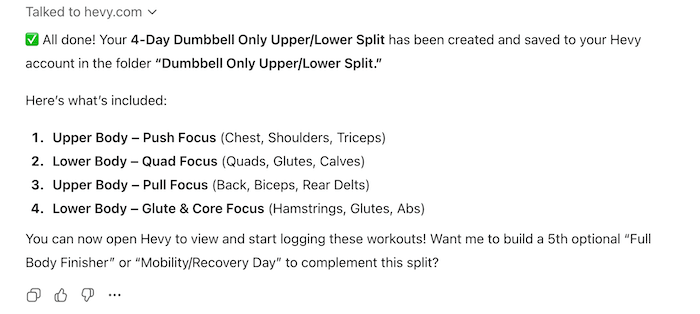
Once done, ChatGPT will let you know:

5. Open Hevy and Start Training
Navigate to the Workout tab and find your new program in a separate folder:

You may need to pull down to refresh or close and reopen Hevy if you don’t see the new folder right away.
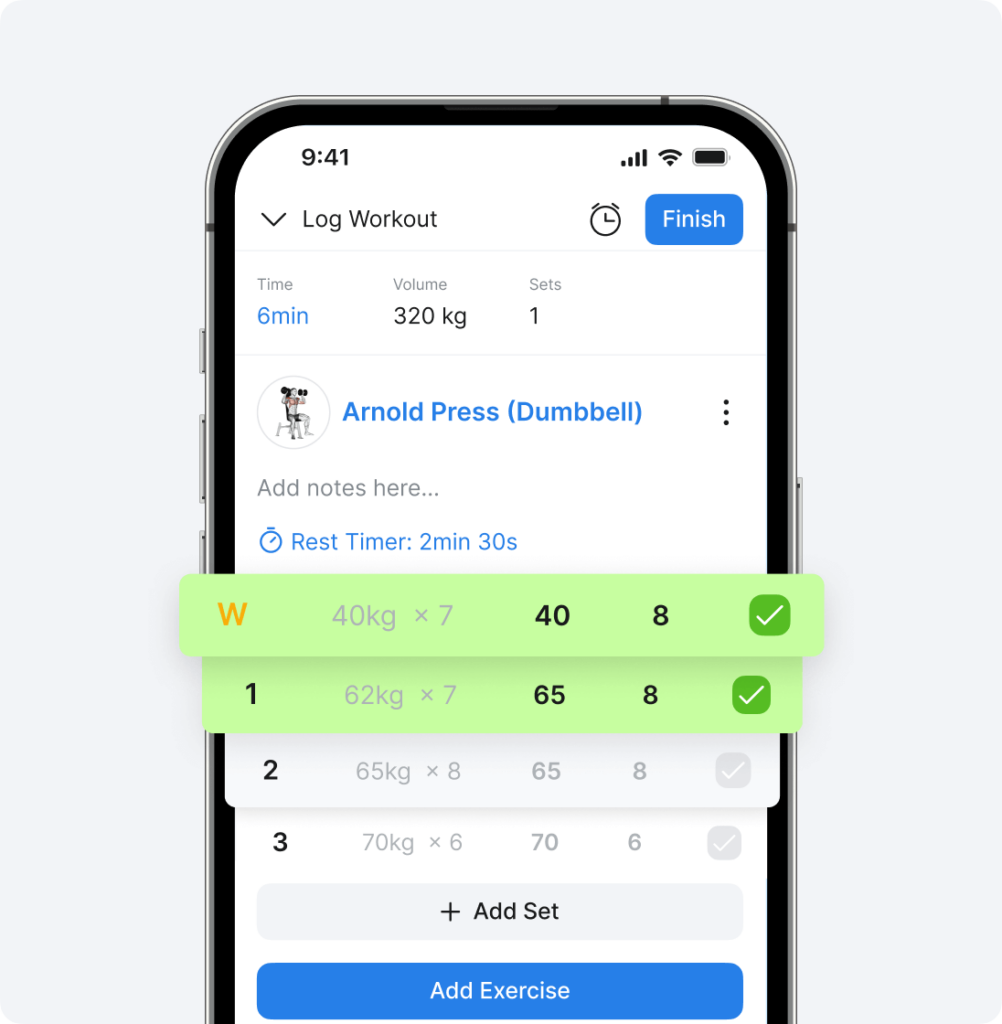
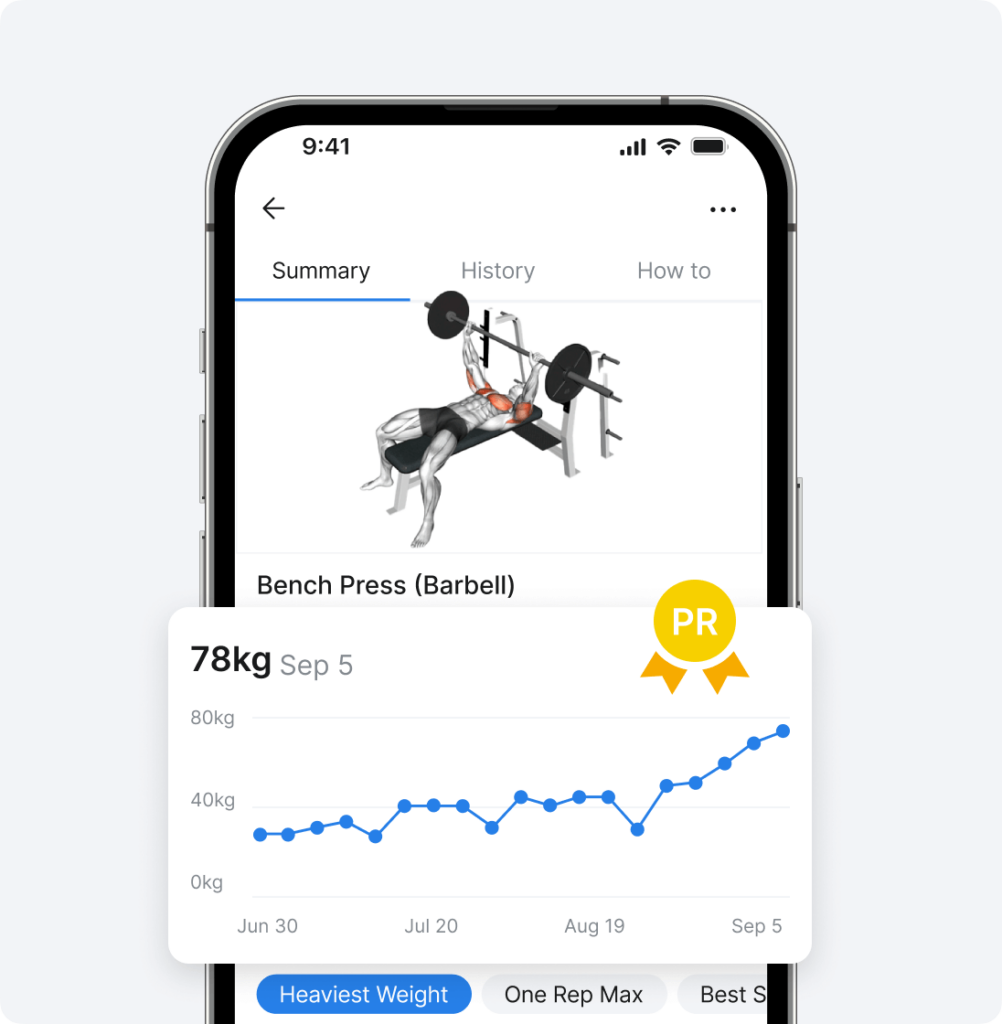
You can read more about logging Hevy workouts (and related features), tracking your progress, and sharing your training achievements with friends.
HevyGPT on Desktop (The Only Option on Android)
You can also complete the above process on desktop with only the Hevy app installed on your phone.
Open HevyGPT and prompt it to create a workout plan for you.

Ask it to save the program to Hevy.

You will be asked to grant ChatGPT access to your Hevy app account.

Then confirm the workout program import and wait a bit while the process completes.
Open the app, navigate to the Workout tab, and find your new folder with the workouts, ready to be logged.